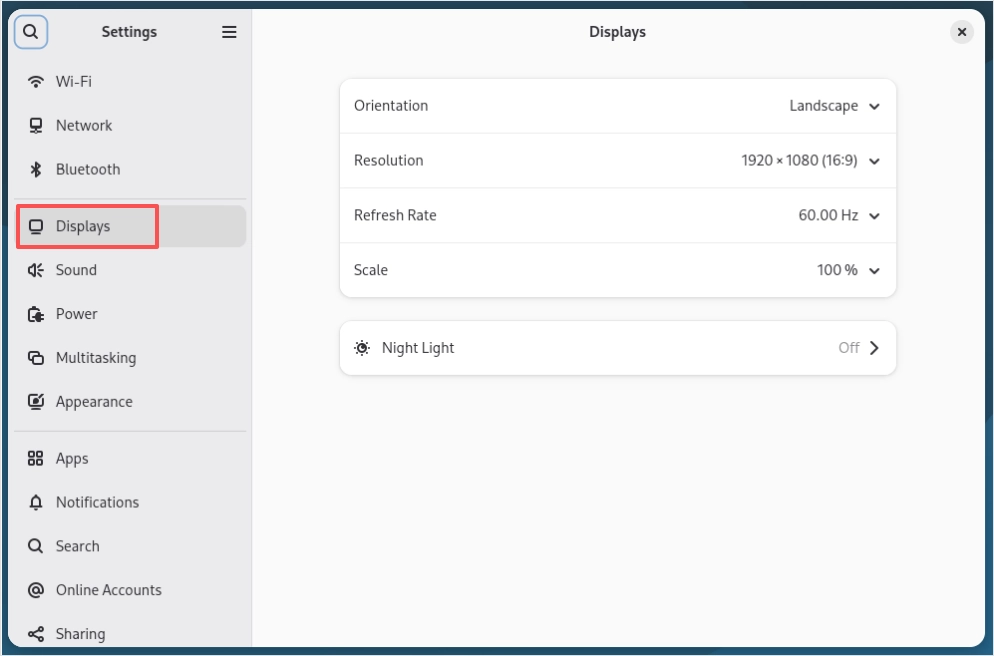
Display configuration
Copyright © Quectel Wireless Solutions Co., Ltd. 2026. All rights reserved.
Quectel Pi H1 smart single-board computer provides display interfaces including HDMI, MIPI and DP. The HDMI interface supports hot-plugging, while the MIPI and DP interfaces do not support this feature.
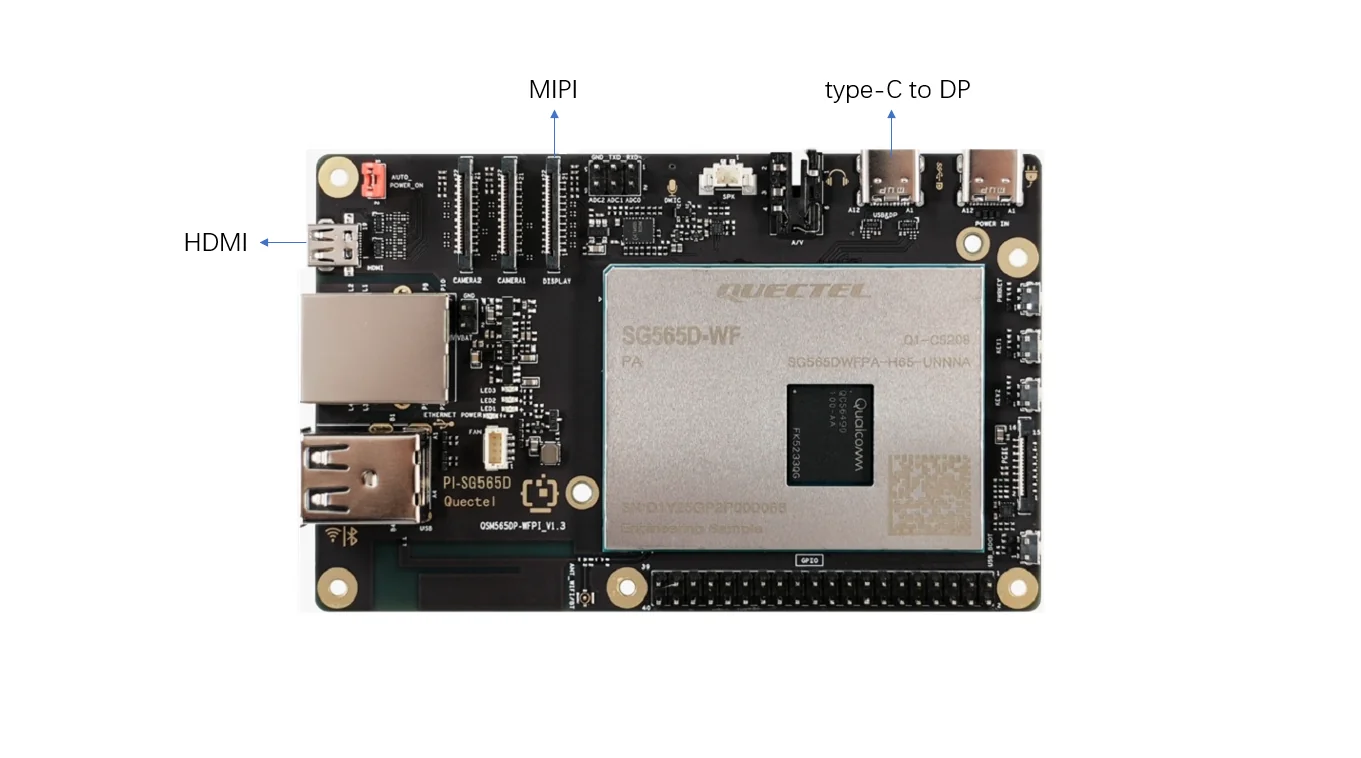
For supported MIPI interface screen models, please refer to Supported accessories.
System settings - display parameter settings
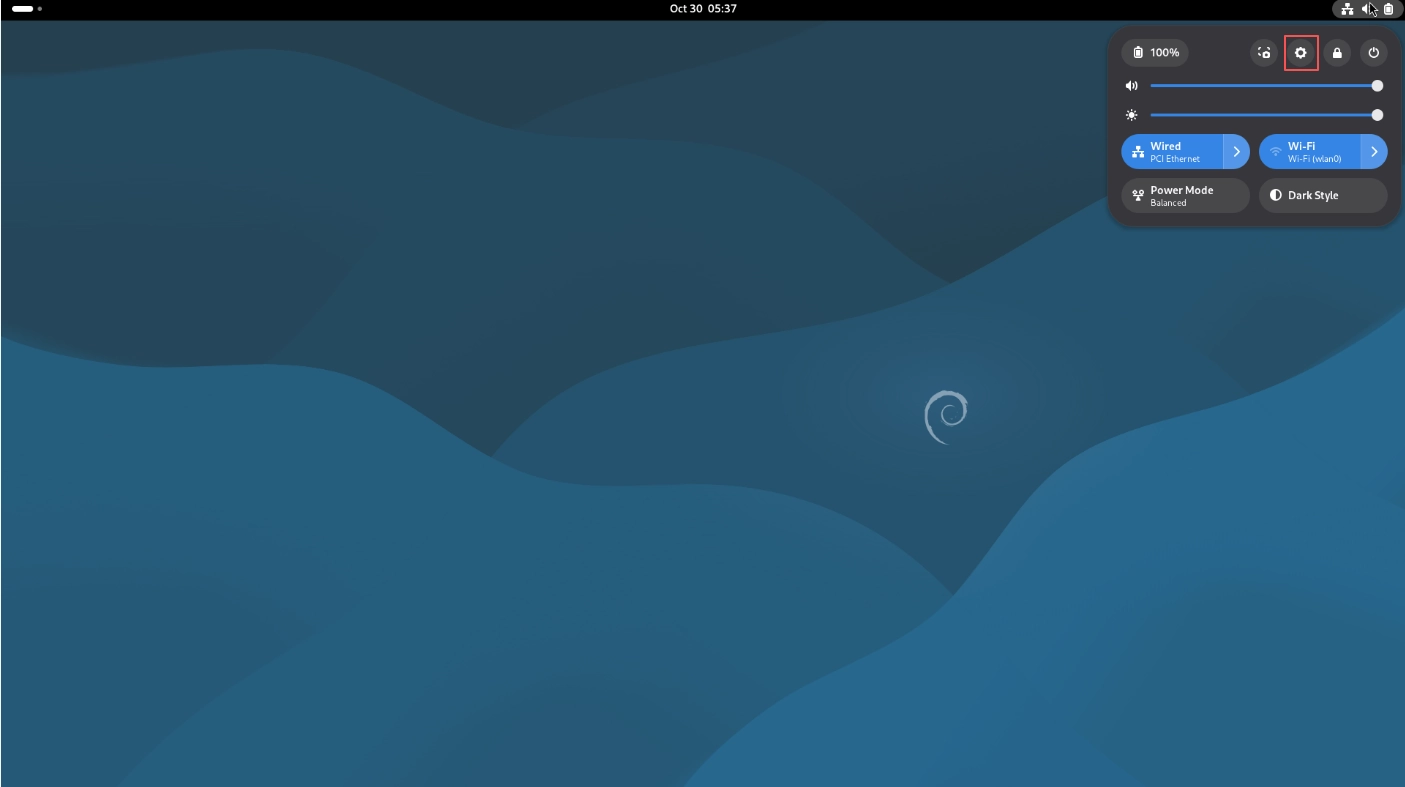
Click GNOME status bar in the upper right corner of the desktop, then click “Settings”.
Click “Displays” tab to modify the following settings: