User Management
Create Users
First Boot
By default, the Debian system does not include a regular user account. On the first boot, the system enters the setup wizard to create a user account. For details about the setup wizard, see Operating System -> Debian -> System Login.
Create Multiple User Accounts
After a regular user account has been created, the user can log in and operate the system. New user accounts can then be created using commands. The user executing these commands must have sudu privileges.
Create a user account:
sudo useradd -m <username>
The -m option automatically creates the corresponding user home directory under /home.
Set the password:
sudo passwd <username>
After running this command, you will be prompted to enter the new password twice.
Update User Password
To update the password of the current user, run:
passwd
Follow the prompts to enter the current password and the new password.
To update the password of another user, run:
sudo passwd <username>
Then follow the prompts to enter the new password.
Delete User Accounts
When an existing user account is no longer needed, you can delete it using the following command:
sudo userdel -r <username>
The -r option also removes the user’s home directory under /home and other related resources.
User Login
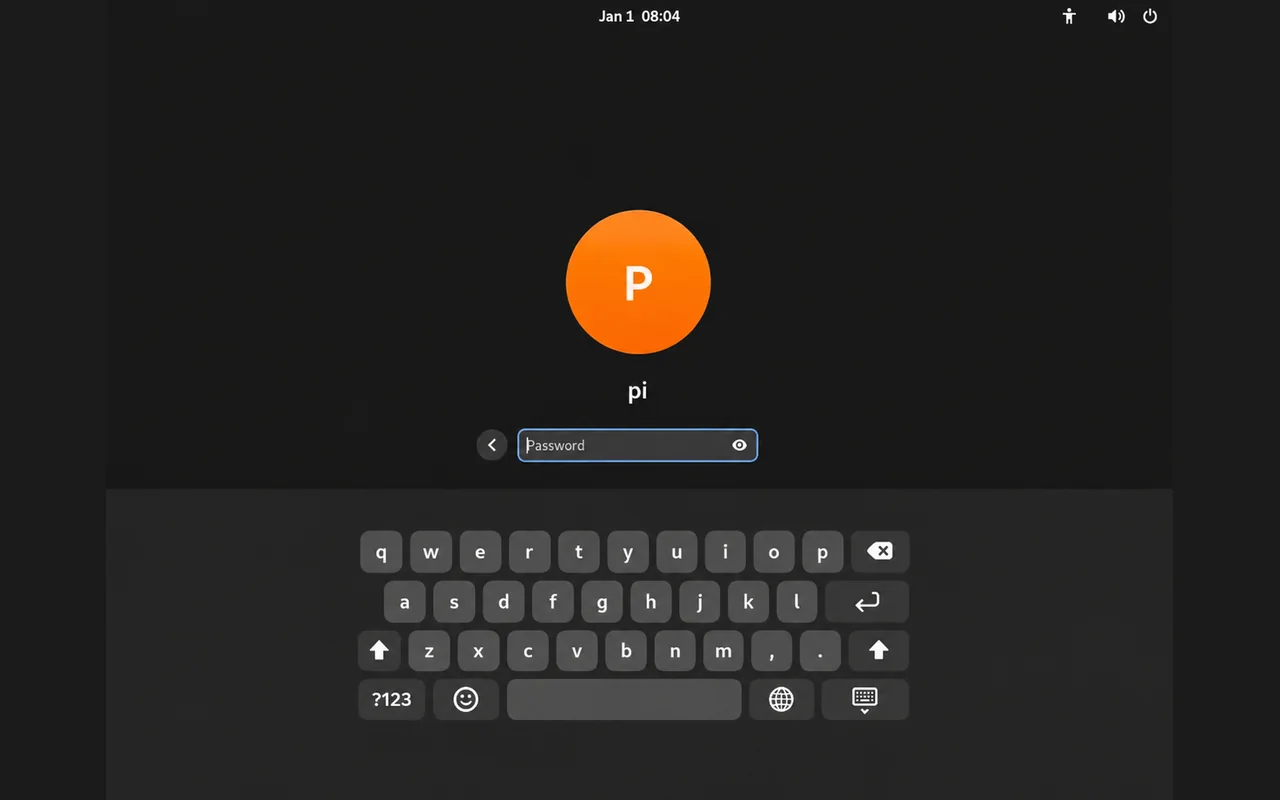
After the Debian system starts, it automatically enters the user login screen. Select the user account you want to log in with, enter the password, and then log in to the system.