Display Configuration
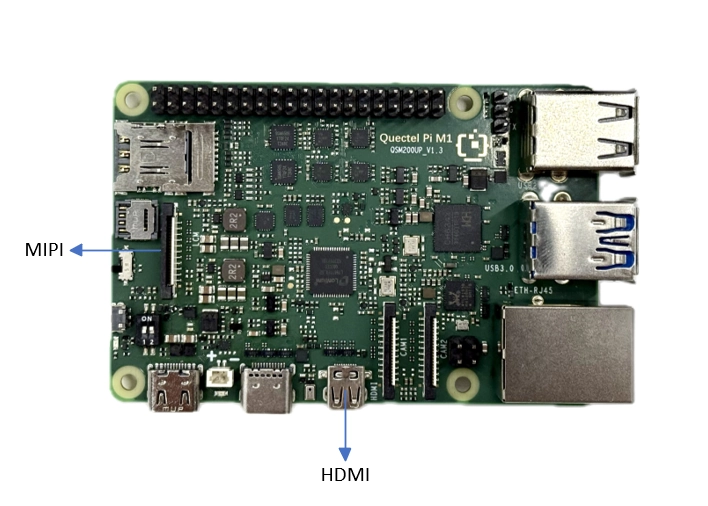
The Quectel Pi M1/L1 smart control boards provide two display interfaces, HDMI and MIPI DSI, allowing users to select the appropriate display solution according to different application requirements.
The HDMI interface supports external HDMI display devices, provides synchronized audio and video output, and supports hot plugging.
The MIPI DSI interface is used to connect MIPI LCD displays. It is suitable for fixed-display scenarios such as embedded devices and industrial control applications, and does not support hot plugging.
The locations of the display interfaces are shown in the figure below:
MIPI Display Configuration
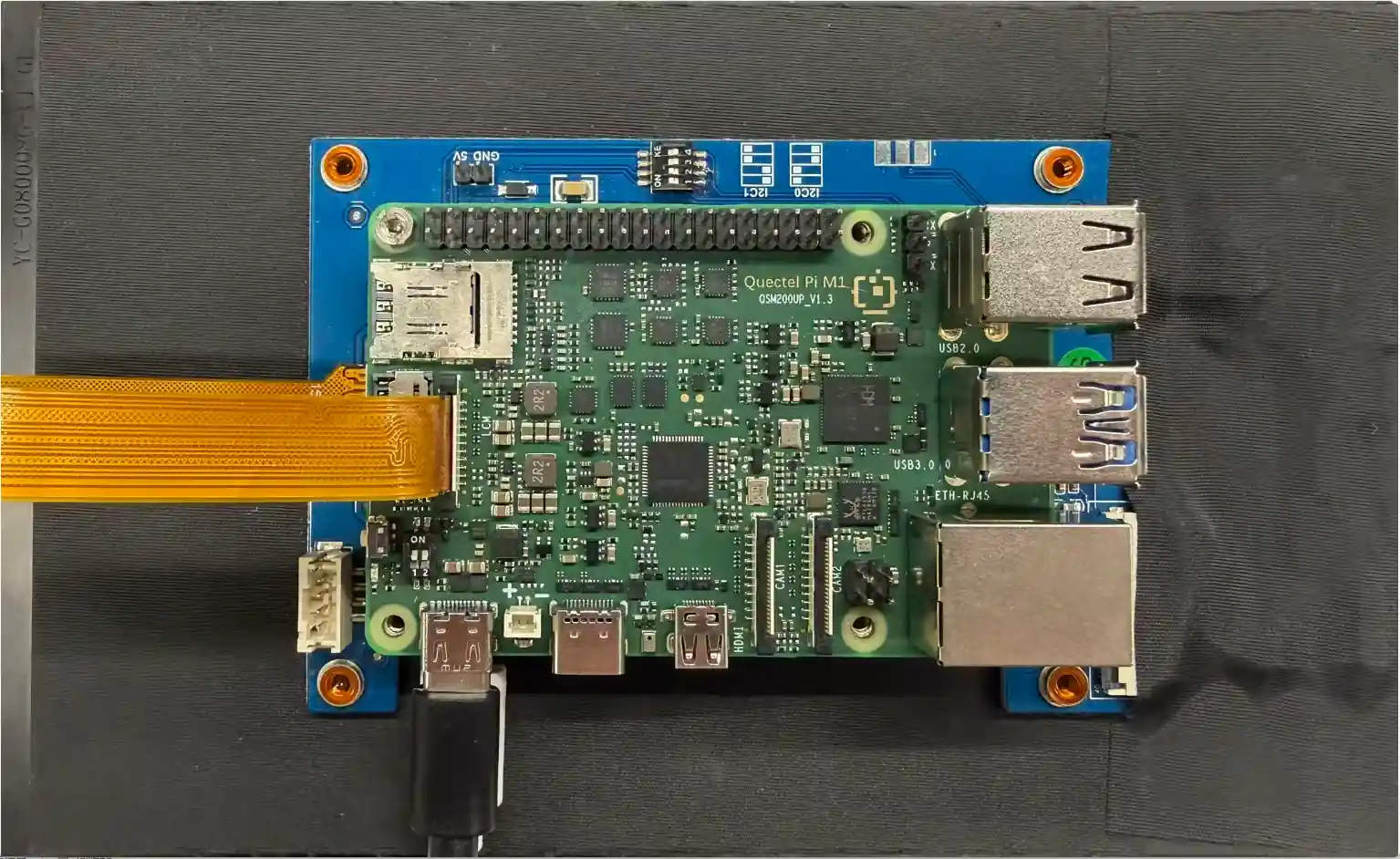
The Quectel Pi M1/L1 supports connecting a MIPI LCD display through the onboard MIPI DSI interface.
The connection method is shown below:
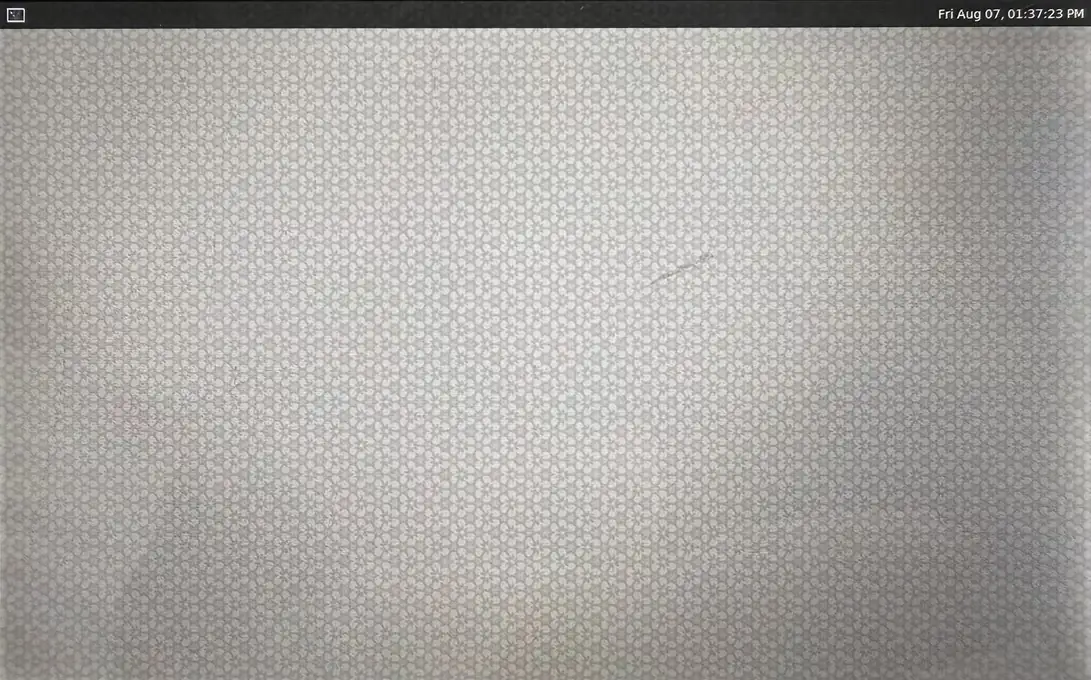
The MIPI display output is shown in the figure below:
HDMI Display Configuration
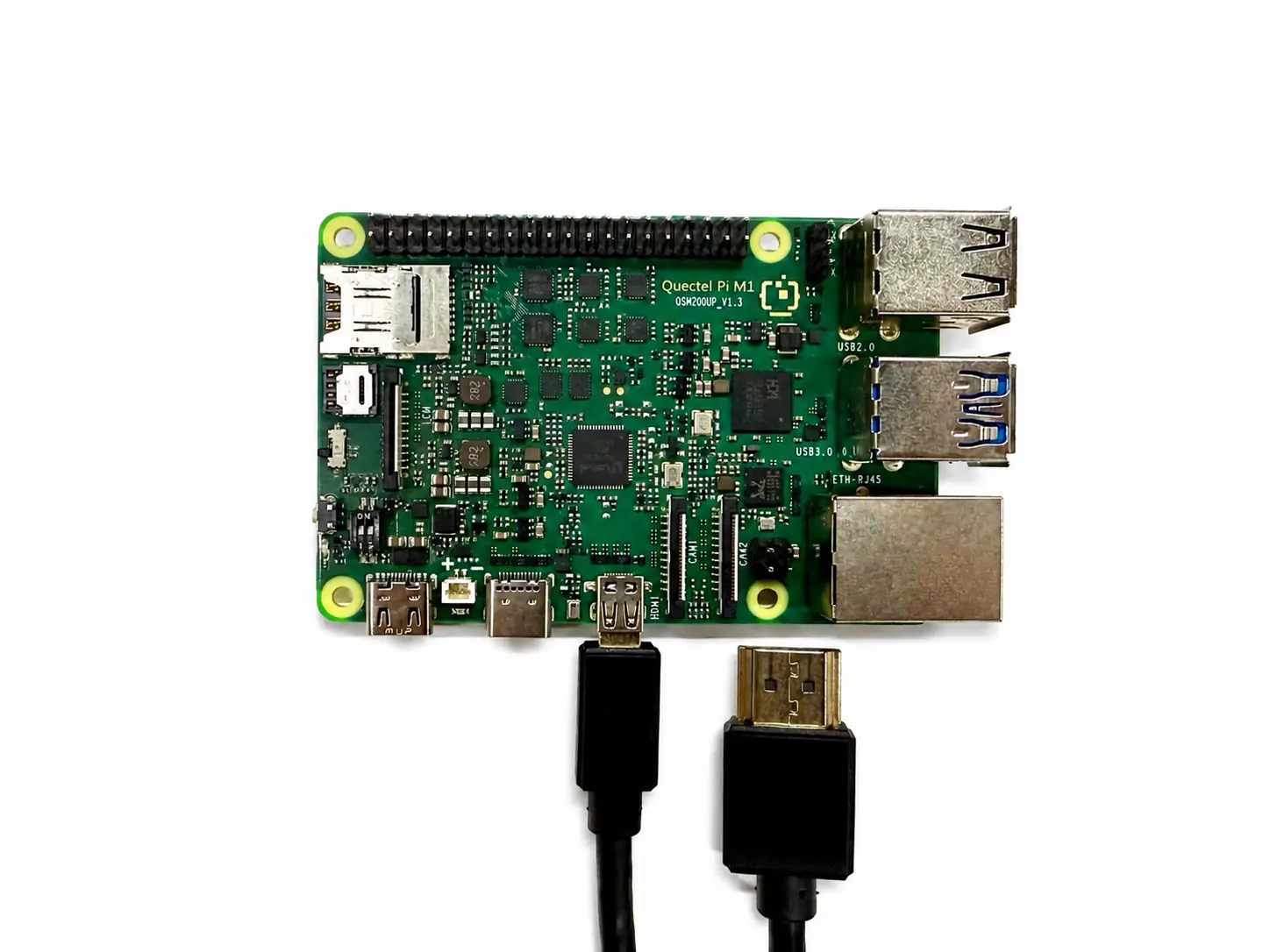
The Quectel Pi M1/L1 provides a standard HDMI display interface, which can be connected to an external display using an HDMI cable.
The connection method is shown below: